CAD software 101: Features, benefits and useful tips
Contents
- The benefits of using CAD programs for your design
- Choose the right CAD program for your design needs
- Trends and future technologies in CAD
- FAQ — Frequently asked questions about CAD programs
- Closure
The benefits of using CAD programs for your design
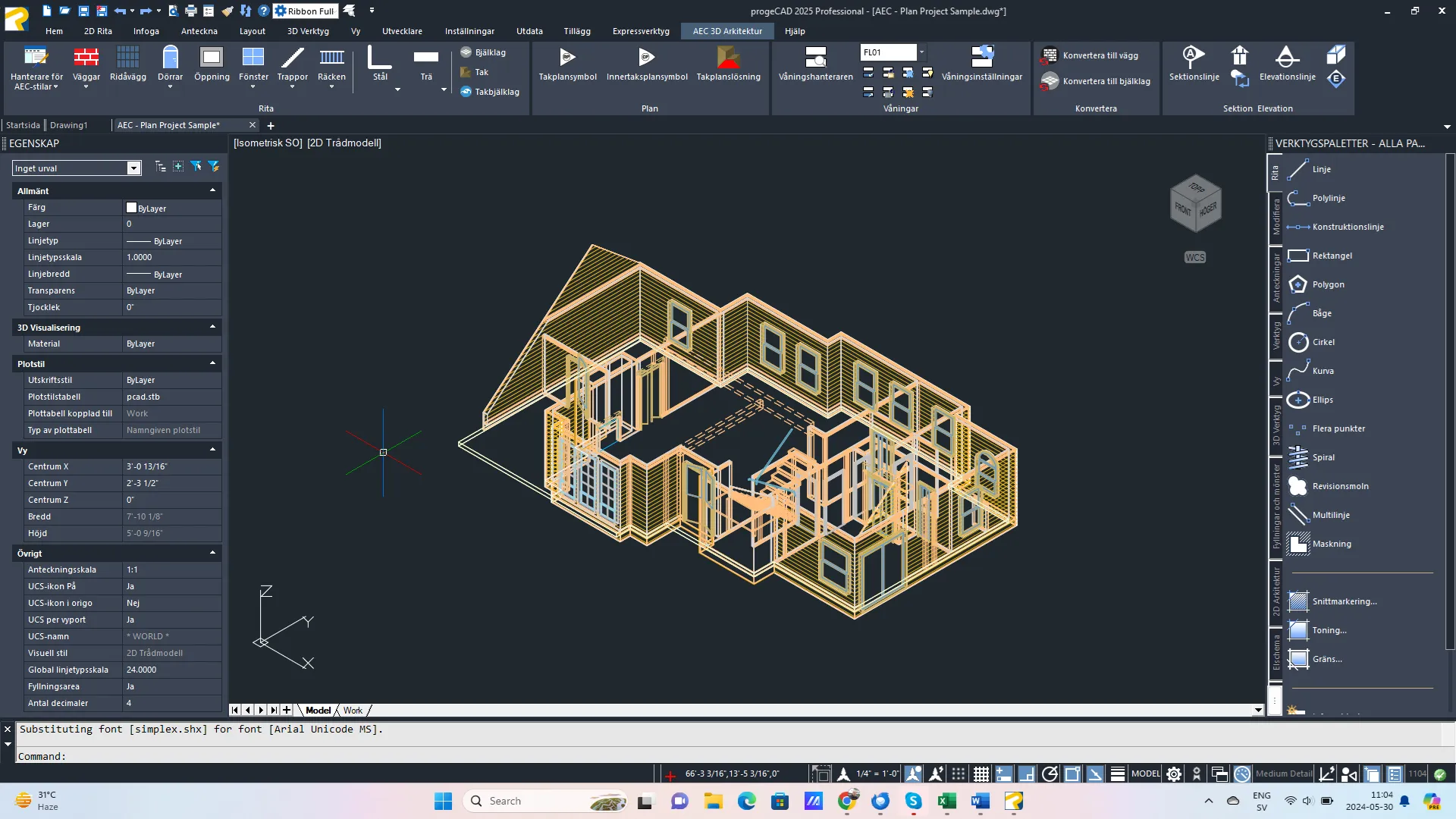
With CAD software, you can create detailed drawings and models, perform complex calculations, test different design options and visualize the end result before production begins. Simply put, using CAD can reduce the risk of design errors and can increase the precision of your design.
You can find CAD programs in virtually all shapes and sizes, ranging from simple 2D programs for basic drawings to advanced 3D CAD programs that support advanced simulation and analysis capabilities. The versatility of these programs makes them essential tools for both individual designers and large companies.
So, in summary, the advantages of using CAD programs are
- Precision: Accurate dimensioning and scaling.
- Efficiency: Faster design process and easier editing.
- Visualization: Possibility to create 3D models for better understanding.
As well as:
- Collaboration: Multiple users can work on the same project at the same time.
- Cost savings: Reduces the need for physical prototypes.
Choose the right CAD program for your design needs
Choosing the right CAD program is all about matching your specific needs with the program’s features. Here are some tips to help you in your choice:
- Industry-specific needs: Choose a program that is optimized for your industry. Do you work in Architecture, Construction, Industry or Electrical?
- Ease of use: An intuitive interface can save you time and make learning easier.
- Features: Make sure the program has the tools you need, from basic drawings to advanced simulations.
- Cost: Try to balance between price and features offered.
- Support and updates: Choose a program with reliable technical support and regular updates.
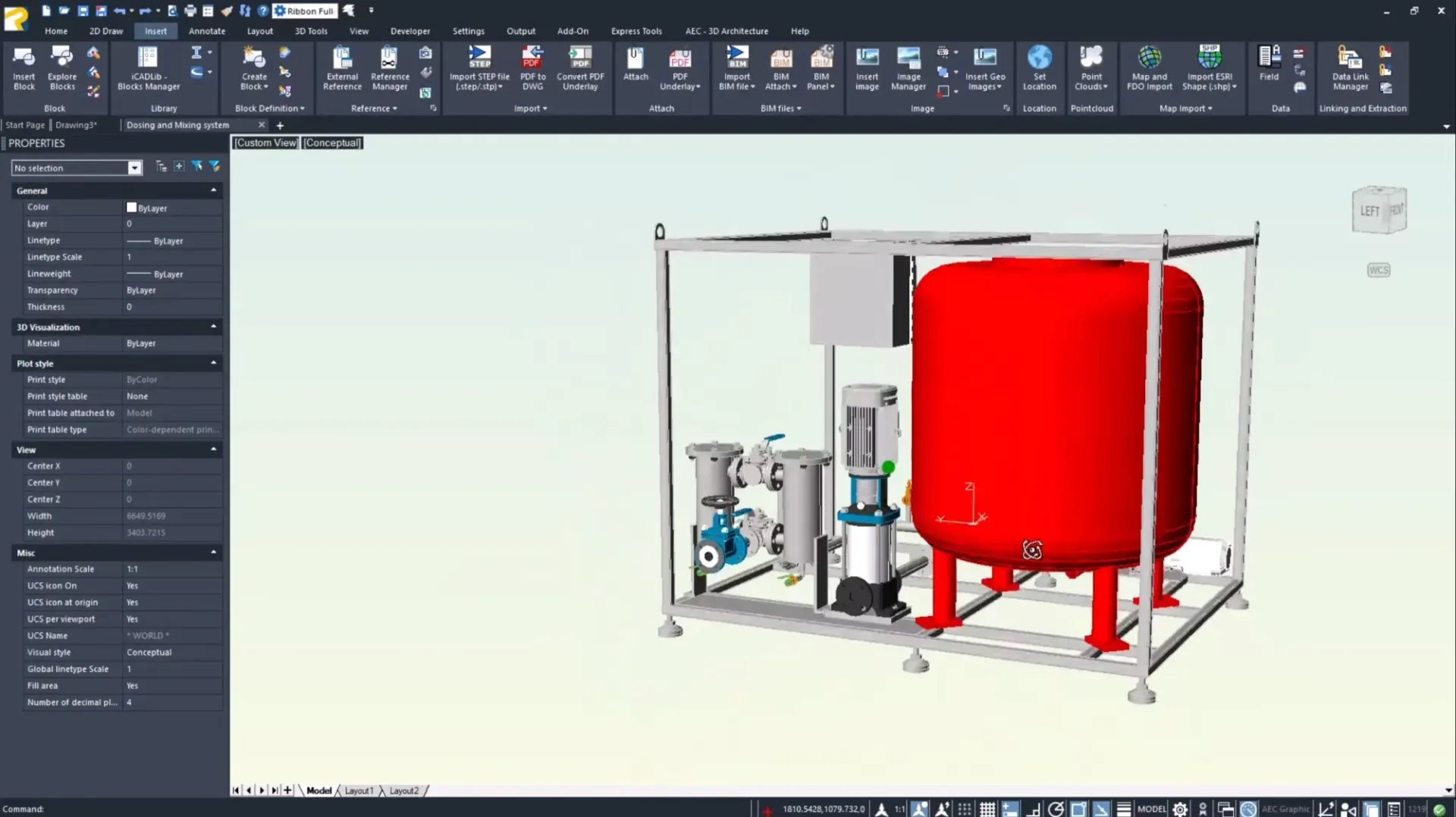
Brand new to CAD programs?
Want to learn CAD? Luckily, it doesn’t have to be a complicated journey. The easiest and first step you can take is to attend some type of training or a basic course. Alternatively, you can of course search YouTube or other video platforms for some relevant “How to start” videos. Either way, you need a solid foundation to be able to progress towards more advanced CAD programs.
Next, it is good to learn keyboard shortcuts and shortcuts (which you will certainly learn in the basic courses/training — but it is worth mentioning). This is to help you work faster and more efficiently, save time and reduce the need for mouse clicks. Think of the time difference between e.g. using CTR+C versus dragging the mouse, right-clicking and clicking “Copy”.
Finally: Dare to test yourself. Experimenting with different functions and tools in the CAD program is what will take you to the next level. Test and explore to find the most efficient ways to accomplish your tasks. Also, make sure to get involved in the CAD community to exchange ideas, ask questions or learn from others’ experiences and solutions.

Trends and future technology in CAD programs
The evolution of CAD software has to do with the development of technology and its demand has evolved very quickly. Therefore, it is important to be aware of the latest trends to stay competitive and efficient in the design process. Among others, these pieces:
1. Cloud-based CAD solutions:
Cloud technology allows access to CAD programs and data from any location with an internet connection. This increases flexibility and collaboration opportunities for teams working remotely or across different locations.
2. Artificial Intelligence (AI) in design:
AI use in CAD can automate repetitive tasks, improve design accuracy through generative design tools, and provide intelligent recommendations based on large data sets and historical project data.
3. IoT (Internet of Things) integration:
CAD programs that integrate with IoT technologies enable the design of smart devices and systems, which is crucial for the development of IoT applications in industry, home automation and more.
FAQ - Frequently asked questions about CAD programs
2D CAD programs are used to create two-dimensional drawings, meaning they only have length and width. They are ideal for simple drawings such as floor plans and basic engineering sketches.
3D CAD programs, on the other hand, allow you to create three-dimensional models that include length, width and height. These programs are perfect for complex design projects where you need to view and analyze objects from all angles.
The cost of a CAD program can vary greatly depending on the program you choose and the features you need. Simple 2D CAD programs can be relatively cheap or even free, while advanced 3D CAD programs can cost several thousand dollars.
Yes, many CAD programs have versions that are compatible with Mac. Please contact us if you want to know which of our products are Mac compatible.
Conclusion
Choosing and using the right CAD software is crucial to maximizing the efficiency and accuracy of your design projects. Whether you are a beginner just starting your journey in CAD or an experienced user looking for more advanced features, there is sure to be a CAD program that suits your needs. By keeping up to date with the latest trends in CAD technology and understanding the different licensing and support options, you can ensure you make an informed choice that benefits your business in the long run.
progeCAD offers flexibility and powerful tools for all types of users. With access to Swedish and English support from PROCAD Systems, you can feel confident that you always have someone to turn to for help and advice. Take the plunge today and discover how the right CAD software can revolutionize your design work and help you reach new heights of creativity and productivity.
Okay, now you feel like you hopefully know some more basics about CAD programs.