
Indus­try solutions

Architecture & design

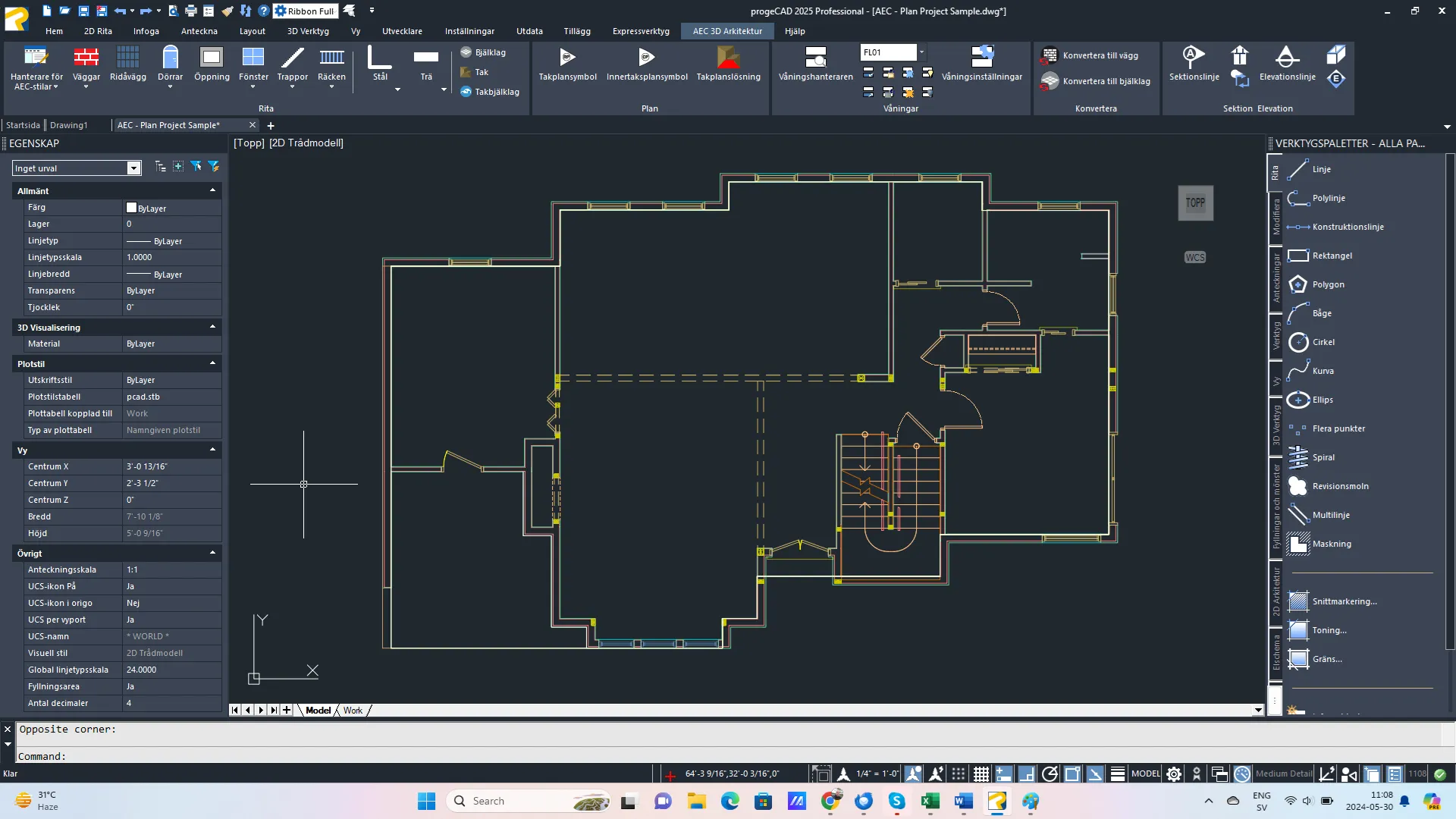
Hus 2d

Compatible with AutoCAD® AEC objects

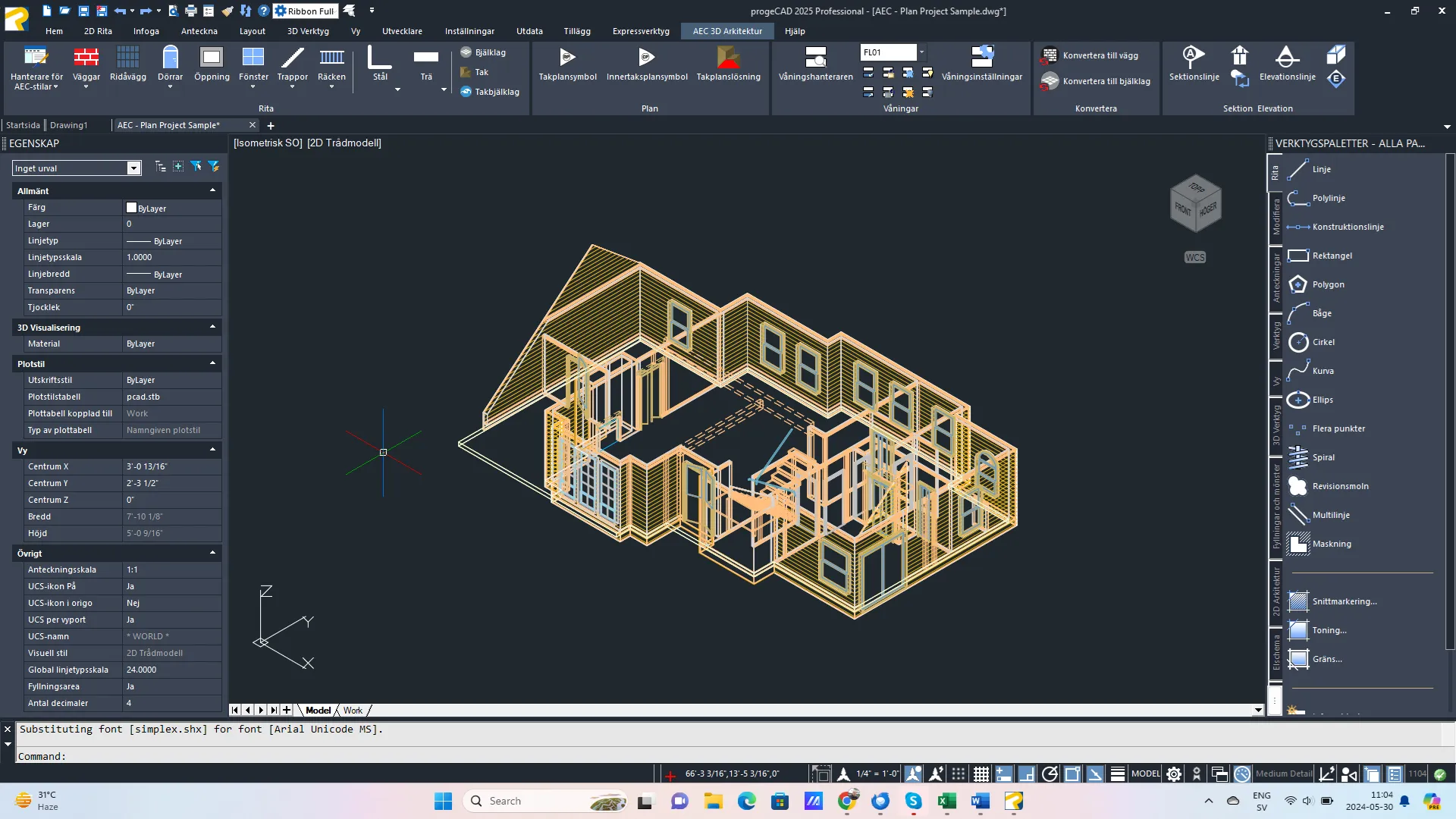
prog­eCAD’s AEC mod­ule allows you to draw 3D archi­tec­tur­al objects in a two-dimen­sion­al plan view while tak­ing advan­tage of a whole series of new archi­tec­tur­al com­mands. The drawn objects are spe­cif­ic AEC objects that can be edit­ed and con­fig­ured via the style man­ag­er. By default, the new mod­ule replaces our pre­vi­ous add-on EasyArch which is still avail­able and can be acti­vat­ed with the vari­able AECMODE.

Hus 3d

AEC Main features

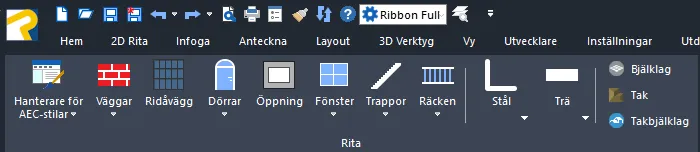
Aec ribbon ritfunktioner
  • Draw walls, doors, cur­tain walls, win­dows and railings
  • Draw beams, ceil­ings and rafters
  • Walls and beams can be cre­at­ed direct­ly by con­vert­ing 2D objects
  • Floor man­ag­er to assign floors to AEC objects. Floors con­tain stan­dard infor­ma­tion such as top and bot­tom ele­va­tion, wall height, on/​off, locked/​unlocked, frozen/​thawed and dis­place­ment sta­tus and oth­er set­tings for wall and floor symbols
  • Attach roof and ceil­ing plan sym­bols to walls and ref­er­ence them while inter­ac­tive­ly cre­at­ing roofs and ceil­ings with the Roof Plan Solu­tion command
  • AEC Style Man­ag­er: man­age and cus­tomize AEC styles for walls, doors, win­dows, cur­tain walls, cur­tain wall units, stairs and rail­ings, and soffits
  • AEC fam­i­lies — import AEC object styles from exter­nal fam or dwg files

CAD products for architecture & design

BG Black Waves